Collection 03
Hero Section Effects
Sixteen replayable GSAP hero treatments. Every hero exposes its own motion parameters, generates a live implementation prompt you can copy, and re-runs on demand from the Replay control — no scroll position required.
- 01
Hero Timeline
One labelled timeline sequences the whole hero: logo mark, eyebrow, heading, paragraph, call to action, then the visual.
 Motion Lab
Sequenced hero
Every layer in its turn
A single timeline keeps the reading order deliberate: identity first, then the claim, then the supporting line, then the action.
Re-runs timelineImplementation prompt
Updates as you adjust parameters.
- 02
Hero Text Reveal
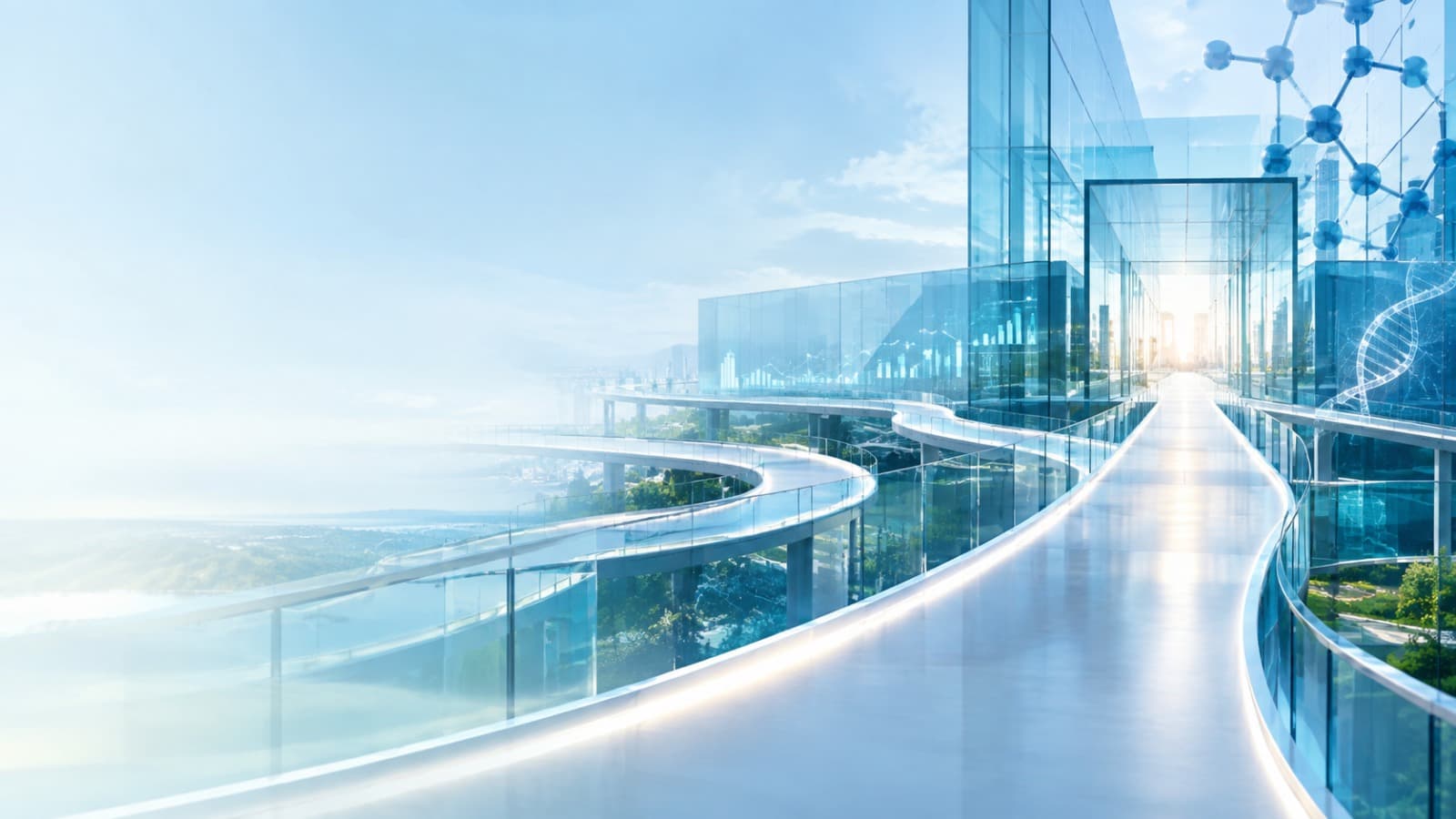
The headline is split by hand into words that rise through clipped mask rows, with the full heading kept for screen readers.
Masked headline
Evidence you can move through
Each word travels up from behind its own clipped edge, so the line assembles rather than fading in.
Re-runs timelineImplementation prompt
Updates as you adjust parameters.
- 03
Hero Image Reveal
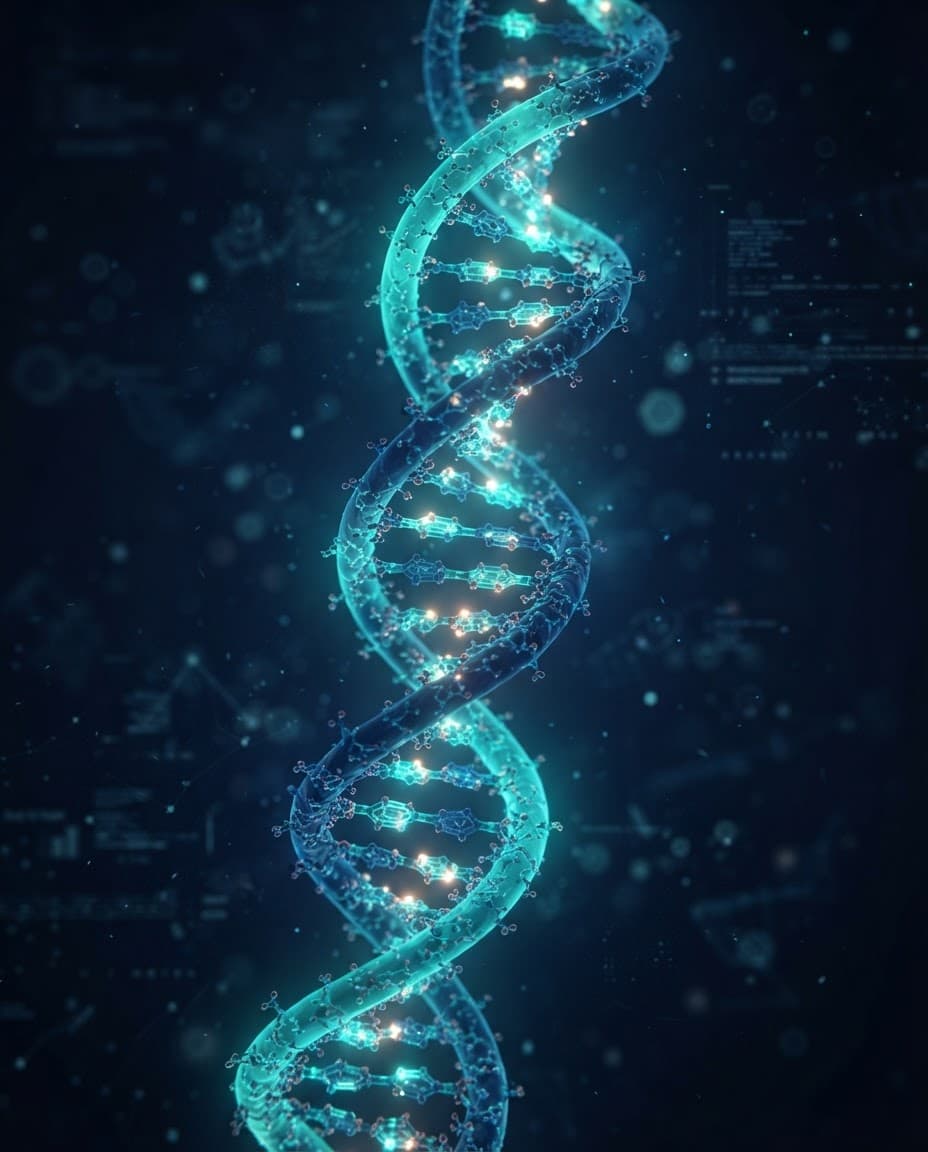
Reveal a hero image through a clip-path aperture while preserving readable foreground copy.
Aperture
A window, not a curtain
clip-path only changes what is painted, so the surrounding layout never reflows during the reveal.
Re-runs timelineImplementation prompt
Updates as you adjust parameters.
- 04
Hero Image Zoom
A slow cinematic scale-down settles the backdrop while the copy stacks in behind it.

Establishing shot
Evidence at molecular resolution
Starting above 1 and easing down mimics a lens finding focus, holding the viewer still while the headline settles.
Re-runs timelineImplementation prompt
Updates as you adjust parameters.
- 05
Hero Parallax
Background and copy travel at different vertical rates within one replayable timeline — transforms only, no scroll binding.

Depth
Layers that hold their place
Both layers move on the Y axis only, at different rates, so the composition reads as depth rather than drift.
Re-runs timelineImplementation prompt
Updates as you adjust parameters.
- 06
Hero Mouse Parallax
Image and foreground shift at different depths as the pointer moves. Pointer tracking runs only on fine-pointer devices; touch users see the stable composition.

Pointer depth
The scene answers the cursor
Foreground and backdrop respond at opposite depths, which reads as parallax without any scroll involvement.
Pointer tracking is enabled on fine-pointer devices only.
Re-runs timelineImplementation prompt
Updates as you adjust parameters.
- 07
Floating Elements
Restrained interface chips drift above the hero on a gentle yoyo. The loop exists only while motion is enabled.

Ambient status
Signals that stay in the corner of the eye
Floating chips carry live status without competing with the headline for attention.
Re-runs timelineImplementation prompt
Updates as you adjust parameters.
- 08
Layered Depth
Three visual layers travel at visibly different speeds, building depth behind readable call-to-action copy.

Three planes
Depth without disorientation
Backdrop, tint, and copy each move at their own rate, so the hierarchy stays obvious while the scene gains dimension.
Re-runs timelineImplementation prompt
Updates as you adjust parameters.
- 09
Hero Background Scale
The backdrop expands gently from a smaller scale, a slow breath that never touches layout.

Slow expansion
Room to read
Growing the backdrop from just under full size adds motion without ever shifting the text beneath it.
Re-runs timelineImplementation prompt
Updates as you adjust parameters.
- 10
Hero Video Reveal
A video-poster reveal: a still poster frame opens through a clip-path mask behind a decorative play symbol. This is a poster treatment, not a playable video.
 Video poster treatment
A still frame, staged like film
No video file ships with this library, so the poster image stands in for one. The mask opens the frame the way a player would.
Re-runs timelineImplementation prompt
Updates as you adjust parameters.
- 11
Hero Curtain
Two full-height panels part from the centre. Replay closes them first, so the opening always plays from the start.

Centre parting
The stage opens
Symmetric motion draws the eye to the middle before releasing it outward across the composition.
Re-runs timelineImplementation prompt
Updates as you adjust parameters.
- 12
Hero SVG Draw
A decorative pathway network draws itself by animating stroke-dashoffset — the free equivalent of a line-drawing plugin.
Line drawing
Pathways drawn in sequence
Each stroke is dashed to its own length and then offset to zero, so the illustration appears to be drawn by hand.
Re-runs timelineImplementation prompt
Updates as you adjust parameters.
- 13
Hero Gradient Motion
A wide gradient wash travels across the hero once and settles, while the scrim keeps the copy at full contrast throughout.
Chromatic wash
Colour that moves once and stops
A single travelling gradient gives the panel life without the restlessness of an endless loop.
Re-runs timelineImplementation prompt
Updates as you adjust parameters.
- 14
Hero Orb Motion
Soft blurred orbs drift behind the copy on a slow yoyo. All continuous motion stops when reduced motion is enabled.
Ambient field
Atmosphere behind the argument
Blurred colour fields drift slowly enough to read as light rather than movement.
Re-runs timelineImplementation prompt
Updates as you adjust parameters.
- 15
Hero Product Rotation
A framed research artifact turns gently in 3D using rotationY against a configurable perspective depth.
Artifact
Turned toward the reader
A bounded rotation shows the object has dimension without spinning it into a novelty.
Sample 04 · Immunology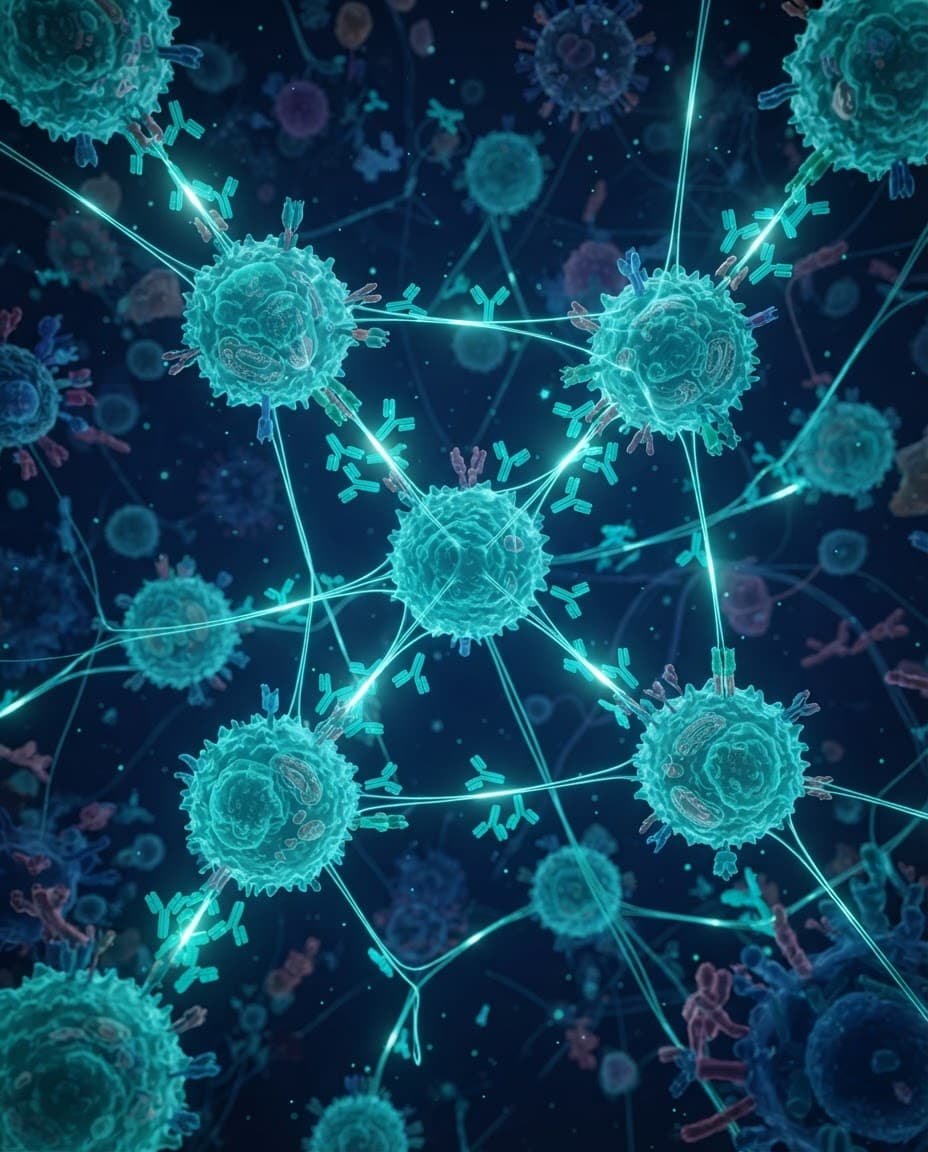 Re-runs timeline
Implementation prompt
Updates as you adjust parameters.
- 16
Hero Perspective
The whole assembly arrives through a controlled 3D tilt, rotating flat around the X axis as it fades in.
Dimensional entrance
The panel tilts into place
Rotating around the lower edge makes the hero feel hinged to the page rather than pasted onto it.
Re-runs timelineImplementation prompt
Updates as you adjust parameters.